
Field notes
Uzbekistan Visa for Indians 2026 — Complete Guide
Quick answer
The Uzbekistan visa for Indians is an electronic visa applied for online before travel, with no embassy visit or biometrics required. Indian passport holders can stay up to 30 days on this visa. The official government portal at e-visa.gov.uz states that the application must be submitted at least 3 working days before your planned arrival date.
The Uzbekistan e-visa in brief
The table below summarises every verified detail for the Uzbekistan electronic visa for Indian passport holders, drawn from official government sources as of October 2026.
| E-visa detail | Verified value |
|---|---|
| Visa category | e-Visa |
| Visa type | Uzbekistan electronic visa |
| Maximum stay | Up to 30 days |
| Validity | Check the official portal (e-visa.gov.uz) |
| Fee | Check the official portal (e-visa.gov.uz) |
| Processing time | At least 3 working days before planned arrival |
| Application channel | Online — e-visa.gov.uz |
Is the e-visa your only option?
Indian ordinary passport holders are not stated to have a visa-free or on-arrival tourist route for Uzbekistan, based on official sources. The e-visa applied online through e-visa.gov.uz is the standard and most practical route for travellers from India.
An embassy application is also available under Uzbekistan's visa rules. That route involves visiting an Uzbekistan diplomatic mission and is generally slower than the online process. For most Indian travellers — particularly those planning the Tashkent–Samarkand–Bukhara–Khiva circuit — the e-visa is the more convenient option because the entire process is completed from home, no appointment is needed, and the approval arrives digitally.
If your passport type is anything other than an ordinary Indian passport — for example, an official or diplomatic passport — confirm your entry route directly on the official portal before booking any travel. The verified information covers ordinary passport holders only.
How to apply for the Uzbekistan e-visa
The entire application is completed online through the official Uzbekistan electronic-visa portal at e-visa.gov.uz. No embassy appointment, biometrics or in-person step is part of this route. Keep your passport open in front of you when you fill the form — copying details from memory is one of the most common reasons applications are queried or rejected.
- Step 1: Open the official application. Go to e-visa.gov.uz and start a new application. Before you type anything, check that the URL in your browser matches exactly — several third-party websites copy the design of the official form and charge a service fee on top of the official cost. The official portal is the only verified channel for submitting your application.
- Step 2: Complete the form. Enter your passport and travel-document details exactly as they appear on the passport you will carry to Uzbekistan. That means your name in the same spelling, the same passport number, the same date of birth and the same expiry date. A single character difference between the form and your passport can cause a processing delay or a query from the authorities. Double-check every field before moving to the next screen.
- Step 3: Add your documents. Upload a passport photograph and your passport details as the form requests. The portal displays the upload fields at this stage. Follow the on-screen instructions for each item — the photograph must be clear and recent. A dark, blurred or incorrectly cropped image is a common reason for a query. If the portal gives you photograph specifications on screen, follow them exactly.
- Step 4: Pay the fee. A fee is payable online at this stage. The exact amount is not listed in the verified information for this route, so check the official portal for the current figure and the accepted payment methods before you submit. Pay only through the official portal — third-party sites often add a markup for processing the same form.
- Step 5: Submit and track. Submit the completed application at least 3 working days before your planned arrival date in Uzbekistan. Save or screenshot the reference number shown after submission — you will need it to check the status of your application on the portal. Note that weekends and public holidays do not count as working days, so a Friday submission for a Monday arrival may not meet the 3-working-day threshold. Build in extra time wherever possible.
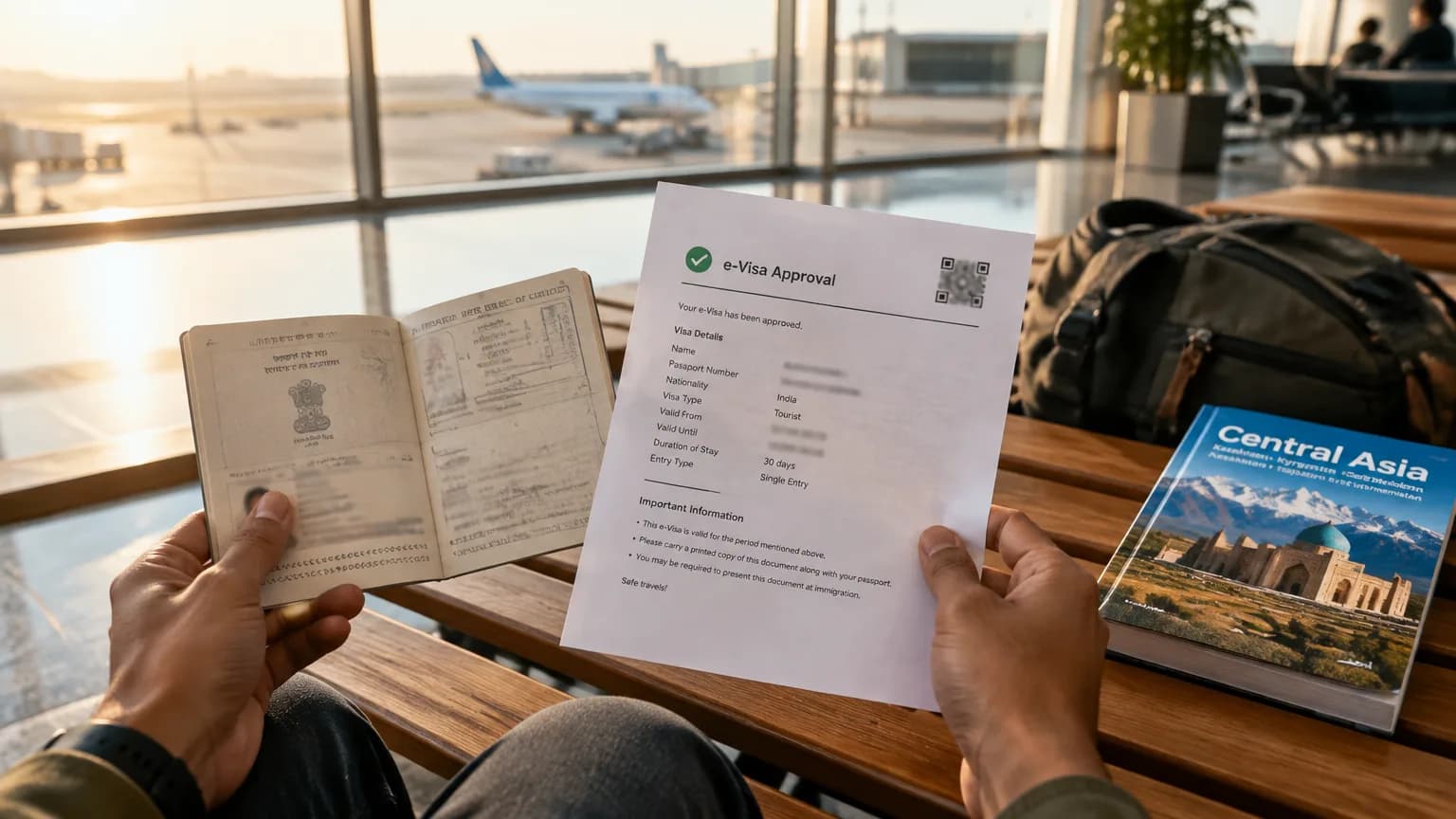
- Step 6: Receive and carry the approval. Once the application is approved, download the e-visa from the portal. Print a copy and carry it alongside your passport when you travel. Border officers at Uzbekistan's entry points — including Tashkent Vostochny Airport (TAS), Samarkand International Airport (SKD), Bukhara International Airport (BHK) and Urgench Airport (UGC) — may ask to see the printed document. Keep a digital copy on your phone as a backup, but do not rely on it alone.
The upload checklist for Uzbekistan
Only two documents are required for the online application, based on the verified information from the official portal. Do not add extra documents that the form does not ask for — uploading unrequested files can sometimes cause confusion at the processing stage.
| Upload | Requirement |
|---|---|
| Passport and travel-document details | Details must match the passport you will carry; enter them exactly as printed on the document |
| Passport photograph | Upload a passport photograph as specified on the application form; the image must be clear and recent |
When you scan or photograph your passport details page, make sure the image is well-lit and that all text — including the machine-readable zone at the bottom of the page — is sharp and fully visible. A partial or shadowed scan is a common cause of processing queries.
Uzbekistan e-visa fee and timing
The fee for the Uzbekistan e-visa is not listed in the verified information for this route. Check the official portal at e-visa.gov.uz for the current amount and the accepted payment methods before you submit your application. The portal accepts online payment, so you will need a card that works for international transactions — confirm this with your bank before you sit down to apply, since a failed payment at the final step means starting the process again.
On timing, the official government portal states that the application must be submitted at least 3 working days before your planned arrival date. That is the minimum the portal requires, not a guaranteed turnaround. Processing can sometimes take longer, particularly around Uzbek public holidays or during peak travel periods in spring (April–May) and autumn (September–October), when the Silk Road cities are busiest.
The practical advice here is straightforward: apply as early as you reasonably can. If your Tashkent flight is booked, apply the same day you confirm the booking. Do not wait until the week before departure. And do not book non-refundable train tickets — such as the Afrosiyob high-speed service from Tashkent to Samarkand or Tashkent to Bukhara — or pre-pay for accommodation until the e-visa approval is downloaded and saved.
Why e-visa applications go wrong
Most delays and rejections on the Uzbekistan e-visa come down to a small number of avoidable errors. Going through this list before you hit submit takes five minutes and can save a significant amount of trouble.
- Mismatched passport details. A spelling error in your name, a wrong passport number or an incorrect date of birth will cause problems at the processing stage. Copy every field directly from the passport you will carry, not from memory or an old scan. If your name has multiple spellings across different documents, use the exact version printed on the passport you are travelling with.
- Unreadable photograph. A dark, blurred or incorrectly cropped passport photograph is a common reason for a query or rejection. The photograph must show your face clearly against a plain background. Take a fresh photograph in good natural light rather than using an old image from your phone gallery.
- Wrong visa type or category. The portal lists different categories for tourism, business and other purposes. Selecting the wrong one means your visa may not cover your actual activity in Uzbekistan. If you are travelling as a tourist — visiting Samarkand's Registan, the old city of Bukhara or the walled city of Khiva — select the tourist category.
- Applying too close to your travel date. The portal requires at least 3 working days before arrival. Weekends and public holidays in Uzbekistan do not count as working days. A Friday application for a Monday arrival may not meet the threshold. Apply at least a week before departure to give yourself a comfortable buffer.
- Using unofficial lookalike sites. Several third-party websites replicate the Uzbekistan e-visa form and charge a service fee on top of the official cost. Some of these sites are not transparent about the additional charge until the payment screen. The only verified application channel is e-visa.gov.uz — bookmark it directly and do not click through from sponsored search results without checking the URL.
Extending your stay
The verified information does not state whether an extension of the Uzbekistan e-visa is possible or how to apply for one. If you are planning a trip longer than 30 days — for example, adding the Fergana Valley to the standard Tashkent–Samarkand–Bukhara–Khiva circuit, or spending extended time in the Kyzylkum Desert region — check the official portal at e-visa.gov.uz before you travel. Do not assume an extension can be arranged on arrival or at a local government office inside Uzbekistan. Planning your itinerary within the 30-day maximum is the safest approach until the extension rules are clearly confirmed.
Transit and layover rules for Uzbekistan
The verified information does not state a separate transit visa rule for Indian passport holders transiting through Uzbekistan. If your itinerary includes a layover at Tashkent Vostochny Airport (TAS) or any other Uzbek airport, confirm whether you need a visa for that stop before you book. The e-visa covers a stay of up to 30 days and would apply if you plan to leave the international zone — for example, to spend a night in Tashkent between onward connections. For airside transits where you remain within the international terminal without passing through immigration, the position is not confirmed in the verified sources. Check the official portal or contact the relevant Uzbek authority before finalising any itinerary that involves a transit stop.
Insurance
The verified information does not state whether travel insurance is required or recommended as a condition of the Uzbekistan e-visa. Check the official portal at e-visa.gov.uz for any insurance requirement attached to your visa category before you apply. Confirm what the visa requires first, then decide on a policy accordingly.
Where to apply and verify
Apply only through the official Uzbekistan electronic-visa portal at e-visa.gov.uz. That portal is the authoritative source for the application form, the current document list, the fee and any rule changes. The visa facts on this page were verified from official government sources on 15 October 2026. Rules, fees and processing times can change, so recheck the portal closer to your travel date — particularly if you are travelling in a new calendar year or after a public announcement about Uzbekistan's visa policy.
The official portal pages used to verify this guide include the applicant information page, the application form and the official localisation files published by the Uzbekistan government. No third-party source has been used for visa rules, fees or processing times.
If you would like help planning a Tashkent, Samarkand, Bukhara and Khiva itinerary around your visa dates, Tripstor can put the trip together for you.